
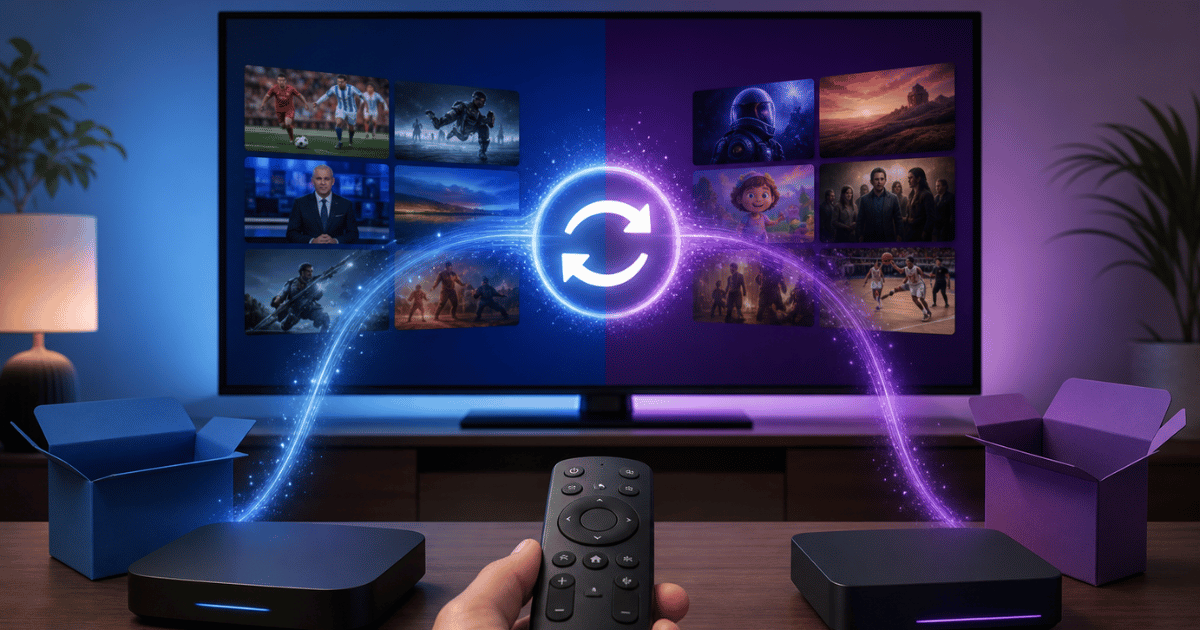
If you are switching IPTV providers in 2026, the process comes down to five stages: auditing your current setup, vetting a new provider’s infrastructure, migrating panel credits without downtime, running a parallel test window, and managing subscriber communication so churn stays low. Rushing any one of these stages is where most resellers and households lose access mid-switch.
Why Resellers and Subscribers Are Switching IPTV Providers in 2026
Provider switching used to be rare. A household picked a service and stayed for years, and a reseller stuck with one panel supplier out of habit. That pattern has broken down. Deep packet inspection has gotten sharper, DNS poisoning incidents are more frequent on residential ISPs, and providers who cannot maintain backup uplink servers are dropping streams during peak hours, especially evenings and major sporting weekends.
For sub-resellers, the trigger is usually upstream instability. If the panel above you keeps freezing credits or the master server goes dark without warning, your own customer base takes the hit, not your supplier. For subscribers, it is almost always buffering, expired EPG data, or a provider that quietly stopped renewing capacity as their user base grew.
The mistake most people make is switching providers the same week service degrades. That is reactive migration, and it is how you end up on a second bad provider because you had no time to vet anything. A planned switch, done a few weeks ahead of a known problem, gives you room to test before you commit.
Step 1: Audit Your Current IPTV Setup Before You Switch
Before contacting a new provider, document what you actually have. This sounds basic, but it is the step almost everyone skips, and it is why migrations turn messy.
Pro Tip: Export your full customer or connection list before you open a support ticket with your current supplier. Once a switch is announced, some panels slow-walk data requests or restrict access entirely.
What to record during your audit:
- Total active connections and concurrent stream limits currently in use
- Panel credit balance and renewal cycle dates
- Device types in your customer base (Firestick, Android TV, Apple TV, Smart TV apps)
- EPG source and any custom channel groupings
- Sub-reseller hierarchy structure, if applicable
- Current uptime issues, logged with dates and times
This audit becomes your negotiating document with the new provider. Anyone serious about IPTV services will ask for this information anyway, so having it ready speeds up onboarding and signals that you run a structured operation, not a hobby panel.
Step 2: Vetting a New IPTV Provider’s Infrastructure
This is where most switches succeed or fail long before a single customer notices. Infrastructure quality is invisible until it breaks, so you have to ask direct questions rather than trust marketing claims.
| Infrastructure Signal | Weak Provider | Strong Provider |
|---|---|---|
| Backup uplink servers | None, or single point of failure | Multiple geographically separated servers |
| Load balancing | Manual, reactive after complaints | Automated, distributes load in real time |
| Response to DNS poisoning | No mitigation plan | Rotating DNS and fallback domains |
| Peak-hour stability | Buffering during major events | Consistent HLS latency under load |
| Panel transparency | Vague credit terms | Clear panel credits and renewal structure |
Ask any prospective provider how they handle a server going down during a high-traffic evening. A provider with real backup uplink infrastructure will describe failover in specific terms. One without it will give you a vague answer about “working on it.”
Step 3: Migrating Panel Credits and Sub-Reseller Hierarchies
Once you have chosen a provider, the migration itself needs a sequence, not a single cutover. Moving everyone at once, especially across a sub-reseller hierarchy, is how you generate a flood of support tickets in one afternoon.
A workable migration order looks like this:
- Move a small test group first, ideally your own personal connections
- Confirm EPG data, channel groupings, and concurrent connection limits match expectations
- Migrate sub-resellers next, giving them their own testing window before their customers move
- Stagger subscriber migration in batches rather than all at once
- Keep the old panel active in parallel until the new one proves stable for at least one full billing cycle
- Only cancel the old panel once every batch has confirmed stability
This staggered approach costs a little more in overlapping panel credits, but it is far cheaper than a mass refund event caused by a rushed cutover.
Step 4: Running a Parallel Test Window
Do not cancel your existing provider the day you activate a new one. Run both in parallel for at least two to three weeks. This window is where you catch problems that only show up under real usage, such as buffering during a weekend sports slate or EPG data drifting out of sync.
During the test window, track concurrent connection stability specifically. A provider can look fine with ten test connections and fall apart at two hundred. If you manage a reselling operation through platforms like IPTV services, this is also the point to confirm the how IPTV reseller panels work process aligns with how your existing sub-resellers expect credits and renewals to function, since mismatched workflows are a common source of early churn.
AI-Driven ISP Blocking Trends Forcing More Frequent Switches
One of the biggest shifts in 2026 is how ISPs identify and restrict streaming traffic. Pattern-recognition systems on the ISP side are now flagging unusual traffic signatures faster than they did even two years ago, which means providers relying on a single static infrastructure setup get blocked more often and recover more slowly.
This is part of why provider switching has become a recurring operational task rather than a one-time decision. Resellers who treat their supplier relationship as permanent are the ones most exposed when an ISP-side block hits without warning. Providers actively rotating server locations and maintaining backup uplink servers absorb these blocks with minimal visible downtime; providers without that redundancy go dark for days.
Pro Tip: Ask a prospective provider directly how many infrastructure changes they made in the last twelve months in response to blocking trends. A provider that has never had to adapt has probably not been tested yet, not proven stable.
Managing Subscriber Communication During the Switch
Churn during a provider switch rarely comes from the switch itself. It comes from silence. Subscribers and sub-resellers who are not told what is happening, and why, assume the worst and cancel rather than wait it out.
Set expectations early. A short message explaining that you are upgrading infrastructure, with a rough timeline, keeps most of your base in place. Offer a brief grace period or credit extension for anyone affected by a hiccup during the transition window. This costs very little and preserves the relationship far better than a rushed apology after the fact.
Households considering a switch on their own should apply the same logic in reverse: give a new IPTV services provider two to three weeks of real use across your actual devices before judging it against your old one. First-impression buffering is often a caching issue, not a permanent infrastructure problem.
Common Mistakes When Switching IPTV Providers
A few patterns show up again and again across failed migrations:
- Cancelling the old provider before the new one has proven stable under full load
- Migrating an entire sub-reseller hierarchy in a single batch instead of staggering it
- Choosing a provider based on price alone without asking about backup uplink servers
- Ignoring EPG mismatches until subscribers start complaining
- Failing to communicate the switch to customers in advance
Every one of these is avoidable with the staged approach outlined above. Providers who understand IPTV services at an infrastructure level, not just a reseller-panel level, tend to walk new clients through these exact failure points during onboarding, which is one of the clearer signals you are dealing with an operator rather than a reseller of someone else’s reseller panel.
Frequently Asked Questions
How long should I run two IPTV providers at once when switching?
Two to three weeks minimum. This covers at least one weekend of peak sports or entertainment traffic, which is when infrastructure weaknesses tend to surface. Cancelling earlier than that risks losing access if the new provider has a hidden capacity issue.
Is switching IPTV providers difficult for a sub-reseller with an existing customer base?
It is manageable if staggered. Migrate your own connections first, then sub-resellers, then their subscriber batches. Moving everyone simultaneously is what creates a difficult migration, not the switch itself.
What causes buffering right after switching IPTV providers?
Usually device-side caching or EPG data still syncing. Give it 24 to 48 hours before concluding the new provider’s infrastructure is at fault. If buffering persists past that window, it is a genuine capacity or routing issue worth raising with support.
Can I switch IPTV providers without losing my channel groupings?
Most providers can import or rebuild custom groupings, but you need to supply your existing structure during onboarding. This is part of why documenting your setup before you switch, as outlined above, saves significant setup time.
Why do backup uplink servers matter when choosing a new IPTV provider?
Without them, a single server failure or ISP block takes the entire service offline until it is manually restored. Providers with geographically distributed backup servers can fail over automatically, which is the difference between a few seconds of disruption and a multi-day outage.
Should subscribers switch providers the moment they notice buffering?
Not immediately. Isolated buffering can be a local network issue, a device problem, or a temporary peak-hour load spike. Persistent buffering across multiple devices and days is the actual signal that a provider switch is warranted.
How do I know if a new IPTV provider actually has good infrastructure before committing?
Ask specific questions about backup uplink servers, load balancing, and their response to recent ISP blocking trends. Vague answers are a warning sign. A provider like britishseller.co.uk that can speak specifically about infrastructure decisions is generally more reliable than one offering only price-based reassurance.
What is the biggest reseller-specific risk when switching panel suppliers?
Panel credit mismatches during the transition, where credits purchased on the old panel expire before the new one is fully validated. Always negotiate a short overlap period so unused credits are not simply lost mid-migration.
Success Checklist
For Subscribers
- Document current buffering issues with dates before switching
- Run the new provider on all your devices for at least two weeks before cancelling the old one
- Confirm EPG data matches your expected channel lineup
For Resellers
- Audit connection counts and credit balances before contacting a new supplier
- Vet backup uplink and load balancing claims with direct questions
- Stagger subscriber migration in batches, never all at once
For Sub-Resellers
- Negotiate a credit overlap period with your upstream panel during the switch
- Test your own connections before moving any downstream customers
- Communicate the switch timeline to your customer base early, not after problems appear