

When Stranger Things Season 5 drops, streaming platforms brace for one of the biggest traffic surges of the year, and IPTV subscribers, resellers, and sub-resellers all feel the ripple effect. This guide breaks down what actually happens to infrastructure during a release week like this, and how to keep panels stable while everyone else is scrambling.
Why Stranger Things Season 5 Creates a Real Load Problem
A single blockbuster release does not just affect the platform hosting it. Search traffic spikes, device usage jumps, and household internet demand climbs across every connected screen at once. For IPTV reseller operations, this matters because subscribers are often watching multiple services simultaneously during a hype week, which quietly pushes home routers, ISPs, and shared bandwidth to their limits.
This is different from a normal Friday night. Release-day patterns show concentrated demand in specific hours right after a show drops, followed by a slower tail over the following days as people binge at their own pace. Panels that are not tuned for this kind of concentrated spike often see their first buffering complaints within the opening hours, not days later.
Pro Tip: Track your panel’s peak concurrent user count from the last major release week and set your backup uplink threshold about 20% above that number, not just your average daily load.
Backup Uplink Servers Are No Longer Optional in 2026
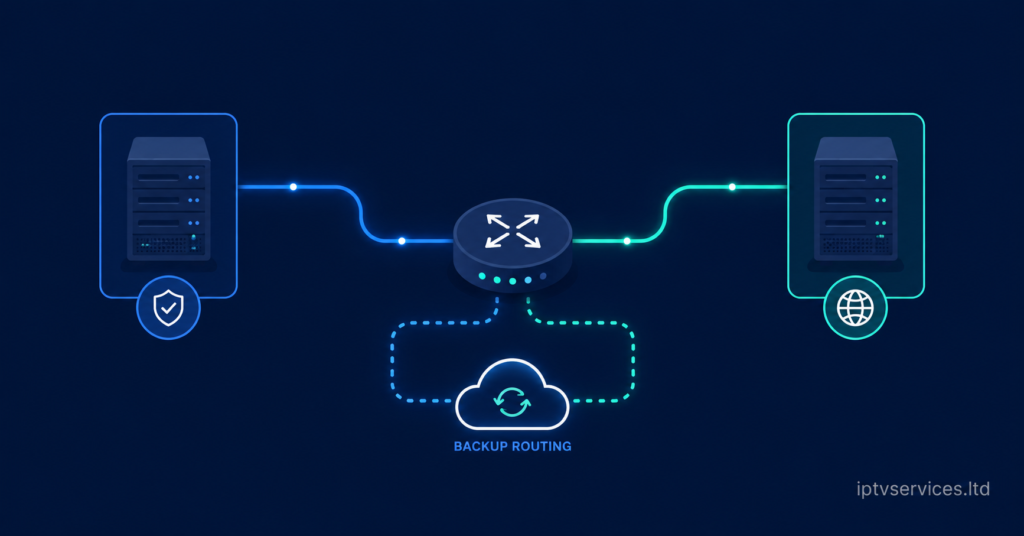
The single biggest infrastructure gap among smaller resellers is the absence of a genuine backup uplink. A single-server setup might hold up fine on a normal week, but the moment concurrent connections spike during a release event like this, any packet loss or route congestion on the primary line shows up instantly as freezing or pixelation.
A backup uplink server does not need to be extravagant. What matters is that it sits on a separate route from your primary connection, so a slowdown or block on one path does not take the whole panel down with it. Resellers running iptv services with dual-path failover consistently report fewer complaint tickets during high-traffic weeks compared to single-line setups.
AI-Driven ISP Blocking Trends Are Changing the Game
ISPs in 2026 have gotten noticeably more aggressive with automated traffic-shaping, and it is not random. Machine learning models now flag unusual concurrent-connection patterns tied to streaming spikes, which means a release like Stranger Things Season 5 can actually trigger closer scrutiny on connections that suddenly show heavier-than-normal usage.
This is where DNS poisoning and route throttling tend to surface first, usually during exactly the kind of high-demand window a big release creates. Panels relying on a single static routing method are the most exposed. Rotating DNS configurations and monitoring for sudden latency spikes on HLS streams gives resellers an early warning before subscribers even notice anything is wrong.
- Watch for sudden HLS latency increases during peak hours, this is often the first sign of throttling
- Keep at least two DNS configurations ready to rotate if resolution times spike
- Log ISP-level slowdowns separately from server-side issues so you know which one you are actually fighting
Panel Management During a Release Week Spike
Panel credits and reseller allocation tend to get chaotic during high-demand weeks because sub-resellers are fielding a wave of “is it down” messages at the same time. The operators who handle this well are the ones who pre-communicate before the release date, not after complaints start.
A short heads-up message to sub-resellers a day or two before a major release, letting them know expected load and what to do if a stream stutters, cuts ticket volume significantly. It also protects churn, because subscribers who feel informed are far less likely to cancel over a single rough night compared to those left guessing.
Pro Tip: Build a one-line status template your sub-resellers can copy and paste during a spike, something like “we are aware of increased load tonight and monitoring actively.” It buys patience without over-promising.
Load Balancing: The Difference Between Panic and Stability
Load balancing is where most of the actual technical work happens during a release event. Instead of every subscriber hitting the same server node, traffic gets distributed across multiple nodes based on real-time capacity, which keeps any single point from becoming a bottleneck.
Resellers who have not invested in proper load balancing infrastructure often see it manifest as regional buffering, where subscribers in one area report problems while others report none. That inconsistency is usually a routing issue, not a bandwidth issue, and it is exactly the kind of problem the how-iptv-reseller-panel-works setup process is designed to prevent from the start.
Churn Psychology During High-Demand Weeks
Subscriber patience during a hype release is thinner than usual, and that changes how churn behaves. A subscriber who might tolerate a rough Tuesday night in a normal week is far less forgiving during the week their most anticipated show drops, because the disappointment is tied to something they were actively anticipating.
This is where proactive communication outperforms reactive fixes. Resellers who send a brief note acknowledging expected demand before the release date see noticeably fewer cancellation requests than those who stay silent and only respond once complaints roll in. The perception of being prepared matters almost as much as the actual uptime.
Scaling Strategies for Sub-Resellers Without Enterprise Budgets
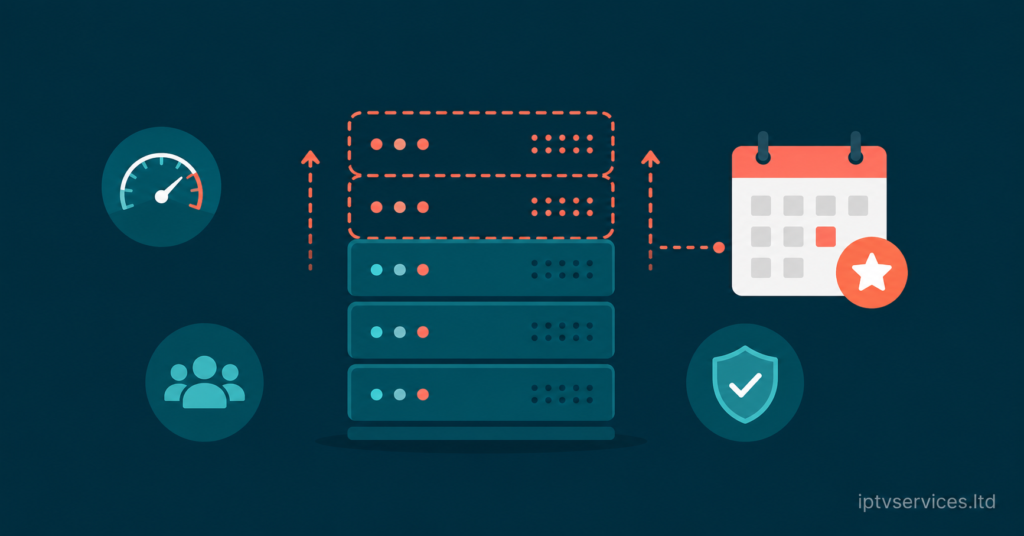
Not every sub-reseller has the budget for a full enterprise-grade setup, and that is fine. Scaling during a predictable spike like a major release does not require rebuilding your entire stack, it requires temporary capacity planning around a known date.
Renting short-term additional server capacity for a single release week is far more cost-effective than maintaining year-round infrastructure sized for peak demand. Pairing this with the core services already built into a reliable panel gives smaller operators a way to compete with bigger setups without the matching overhead.
What Subscribers Should Actually Expect on Release Night
Most buffering complaints during a major release trace back to home network congestion rather than the panel itself. When multiple devices in one household are streaming, gaming, or downloading simultaneously, the local router becomes the bottleneck long before the panel does.
Subscribers can meaningfully improve their own experience by connecting via ethernet instead of Wi-Fi where possible, closing background apps competing for bandwidth, and avoiding 4K settings on secondary devices during peak hours if the primary screen needs priority. These are small adjustments, but they consistently reduce reported issues on release nights.
For anyone comparing providers before a big release like this, checking how a service like britishseller.co.uk documents its infrastructure approach is a useful benchmark for what a genuinely prepared setup looks like.
Frequently Asked Questions
Will Stranger Things Season 5 affect my IPTV subscription performance?
It can, indirectly. The show itself does not run through IPTV panels, but the surge in household internet usage during release week can strain shared bandwidth and increase buffering risk across any streaming service, including IPTV.
How do I know if my IPTV reseller panel can handle a release week spike?
Check your panel’s concurrent user history against its server capacity. If you have never tested a genuine load spike, ask your panel provider about backup uplink options and load balancing before the release date, not after.
Why does buffering get worse specifically during big release weeks?
Concentrated demand across an entire household or region strains shared infrastructure at the same time, unlike normal daily usage which is more spread out. This creates temporary bottlenecks even on otherwise stable connections.
Can sub-resellers do anything to prepare without extra budget?
Yes. Proactive communication with subscribers before a known high-demand date reduces complaint volume significantly, even without any infrastructure changes. Setting expectations early is a free but effective tool.
Is it normal for ISPs to throttle connections during high-traffic weeks?
Increasingly, yes. AI-driven traffic-shaping models flag unusual usage patterns tied to streaming spikes, which can lead to temporary throttling. Rotating DNS configurations helps reduce the impact.
What is the fastest fix for buffering on release night?
Switching from Wi-Fi to a wired ethernet connection is usually the single most effective fix, since it removes local wireless congestion, which is the most common cause of release-night buffering complaints.
Should I upgrade my panel infrastructure permanently for one big release?
Not necessarily. Temporary capacity scaling for a known release week is usually more cost-effective than a permanent upgrade, unless you consistently see high concurrent demand throughout the year.
How far in advance should resellers prepare for a major release like this?
Ideally one to two weeks ahead, giving enough time to test backup uplinks, confirm load balancing is active, and send subscriber communication before demand actually peaks.
Success Checklist
Subscriber Checklist
- Switch to ethernet where possible during release night
- Close background streaming or downloading apps before watching
- Avoid running 4K on secondary devices if bandwidth is limited
Reseller Checklist
- Confirm backup uplink server is active and tested before release date
- Verify load balancing is distributing traffic across nodes correctly
- Rotate DNS configurations if HLS latency spikes are detected
Sub-Reseller Checklist
- Send a proactive status message to subscribers before the release date
- Prepare a copy-paste status template for real-time updates during spikes
- Track panel credit usage closely during the high-demand window
Comparison Table (Cheap vs Premium Infrastructure for Release-Week Load):
| Factor | Budget Setup | Premium Setup |
|---|---|---|
| Uplink Redundancy | Single line, no failover | Dual-path backup uplink |
| Load Balancing | None or manual | Automated across nodes |
| DNS Handling | Static, single config | Rotating, multiple configs |
| Release-Week Complaint Volume | High | Significantly lower |