
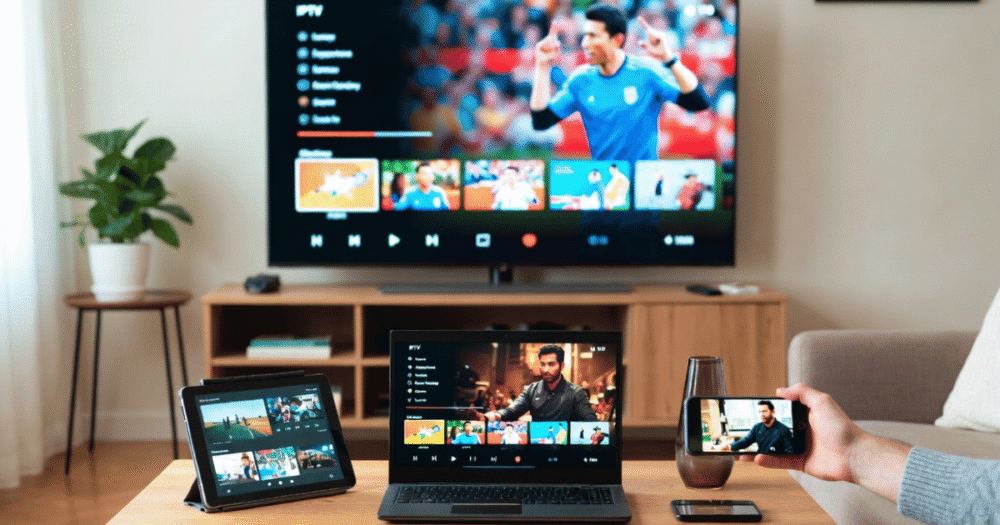
Yes, but only if your subscription includes enough simultaneous connections. The number of devices you own doesn’t matter—what matters is the connection limit, your provider’s server infrastructure, and network quality. For smooth multi-device streaming, choose a plan with one extra connection beyond your expected simultaneous usage.
Reliable multi-device IPTV streaming depends on more than internet speed. Choosing the right connection tier, using quality hardware, and selecting a provider with load-balanced, multi-node infrastructure ensures a stable viewing experience, especially during peak hours and live events.
How IPTV on Multiple Devices Actually Works at the Connection Level
Every IPTV subscription is built around a connection count — not a device count. This distinction matters more than almost anything else in the buying decision.
A single-connection plan means one active stream at a time, regardless of how many devices are registered or signed in. The moment a second device opens a stream on the same credentials, one of two things happens: the first stream is terminated, or the second is blocked. Which outcome depends entirely on how the provider’s middleware is configured.
A two-connection plan allows two simultaneous streams but does not guarantee two simultaneous streams at full quality. If the upstream server is under load — during a major live sports broadcast, for instance — both streams compete for the same bandwidth allocation from the same delivery node.
Here is how connection tiers typically map to real household viewing:
| Connections | Practical Use Case | Risk Level |
|---|---|---|
| 1 | Solo viewer, single room | High — any second device kills stream |
| 2 | Couple or small family | Medium — works outside peak hours |
| 3 | Standard family of four | Low — covers most simultaneous viewing |
| 4+ | Large household or light reseller | Very low — risk only during extreme peaks |
Pro Tip: Never buy a connection count that exactly matches your household screen count. Add one buffer connection. Smart TVs routinely fail to close streams properly when the app is exited, leaving that slot open and blocking everyone else until the session times out server-side.
Why Your Internet Speed Is Not the Problem When Streaming IPTV on Multiple Devices
This is the most common misconception among new buyers. When streams buffer across multiple devices, people immediately blame their broadband. In the vast majority of cases, the connection speed is fine.
A standard HD stream requires roughly 10–15 Mbps. A 4K stream runs at 25–40 Mbps. A modern fibre connection handles three or four simultaneous streams with headroom to spare. The real bottleneck is almost never your router.
The actual constraint is provider-side — specifically, how their servers allocate bandwidth per account during concurrent connection events, and whether their infrastructure uses load balancing or routes everything through a single node.
Providers running single-node delivery with no redundancy experience cascading failures during high-demand broadcasts. As user count spikes at kickoff, every additional simultaneous stream from every account compounds the pressure. Packet loss rises. HLS latency spikes. Quality drops silently from HD to SD without warning.
- Single-node providers: high failure risk during any major live event
- Basic load-balanced delivery: degraded performance under genuine peak load
- Multi-node with backup uplink servers: minor latency spikes, rapid auto-recovery
- CDN-integrated delivery: near-transparent handling of concurrent load
What separates a stable multi-device IPTV experience from an unreliable one is entirely on the provider’s infrastructure side, not your local network.
Device-Level Behaviour That Quietly Destroys Your Multi-Device IPTV Setup
Not every device handles IPTV streams with equal efficiency, and this matters significantly when multiple screens are running simultaneously. Poor device behaviour wastes connection slots without the user realising — a stream looks like it has ended but the connection remains open on the server side.
Smart TVs are the worst offenders. Native IPTV apps on smart TV platforms vary wildly in quality. Many hold connections open after the app is closed or the TV enters standby, burning a slot until the session times out. A household with two smart TVs can exhaust a three-connection plan without anyone actively watching.
Android TV boxes are consistently the most reliable for IPTV playback. Lower HLS latency and better stream buffer management than most native smart TV platforms make them the preferred hardware for multi-device setups.
Amazon Fire Stick is a solid mid-tier option. Older generation hardware struggles with 4K under load but performs well for HD on multiple devices.
iOS devices introduce reconnection loops caused by background app restrictions. These loops consume connections faster than normal playback, particularly when switching between apps.
Pro Tip: If your provider’s panel is Xtream Codes compatible, use a dedicated IPTV player on every device rather than a built-in platform app. Dedicated players handle connection teardown properly, which means you stop haemorrhaging connection slots from devices that do not close streams cleanly.
ISP Throttling in 2026 and What It Does to Multi-Device IPTV Streams
Running IPTV across multiple devices simultaneously creates a distinctive traffic signature. In 2026, AI-assisted ISP monitoring systems are specifically designed to detect it.
Multiple concurrent HLS streams from a single residential IP — particularly to the same server range — trigger traffic classification flags far more rapidly than a single stream does. Deep packet inspection has become sophisticated enough to distinguish between major streaming platform traffic and third-party IPTV streams based on connection frequency, packet timing, and stream behaviour patterns.
The practical result for multi-device households is selective throttling. Your IPTV streams get deprioritised without your entire connection being affected. You will notice this as progressive quality drops across all active devices during evening peak hours, even though a speed test in the same moment shows full available bandwidth.
| Throttling Method | Visible Symptom | Detection Trigger |
|---|---|---|
| HLS stream deprioritisation | Gradual quality drop, HD to SD | Concurrent stream count from one IP |
| Deep packet inspection block | Full stream failure | Traffic pattern matching |
| DNS poisoning | Cannot connect to server | Enforcement redirect at registrar level |
| Port-level throttling | Intermittent buffering | Protocol fingerprinting |
Mitigation strategies that hold up in practice:
- Use a VPN with split tunnelling — route only IPTV traffic through the VPN to avoid throttling without slowing other household traffic
- Choose a provider with encrypted or obfuscated stream transport — it makes traffic classification significantly harder
- Rotate between stream server URLs if your provider offers multiple endpoints — this distributes traffic signatures across different routes
- Stagger connection times slightly across devices during peak blocks rather than opening all streams simultaneously
What Resellers Get Wrong When Selling Multi-Device IPTV to Household Clients
The majority of reseller churn traces back to a misunderstood connection allocation — not actual service failure. A client who bought a single connection believing it covered their whole household will always become a complaint. A client who understood from the start that three simultaneous screens require three connections almost never raises that issue again.
Understanding the full mechanics behind how an IPTV reseller panel works is the operational foundation for selling connection tiers correctly. Panels show live connection counts in real time, giving you direct visibility into whether a client is hitting their limit — which tells you exactly when to upsell without guessing.
- Sell connection bundles, not single lines — two or three connections packaged together reduces churn and increases initial order value
- Monitor live connection logs on a weekly cycle — clients consistently at their limit are prime upsell candidates, not complaint risks
- Document connection policies in writing before activation — include explicitly what happens when the connection limit is reached
- Build an upgrade path into every sale — make adding connections seamless rather than requiring a cancellation and re-activation
Pro Tip: Resellers who sell single connections to family households generate three times the support overhead of those who default to two or three-connection packages. The difference in margin per sale is minimal compared to the time saved on complaint handling.
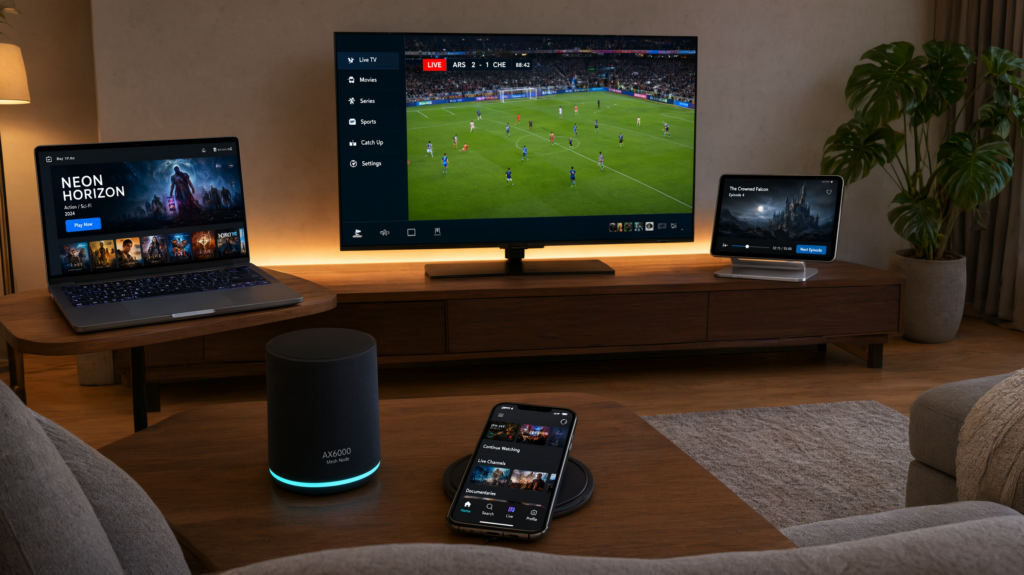
How Multi-Device IPTV Performance Degrades During Live Events Specifically
Quiet Tuesday evening performance tells you almost nothing about peak event performance. Live sports broadcasts are categorically different from routine viewing load — thousands of accounts open streams at exactly the same moment, creating demand spikes no single-node system handles cleanly.
Providers without backup uplink servers and load-balanced delivery nodes show their limitations immediately when a major fixture kicks off. The failure modes are specific: HLS latency spikes of several seconds, forced quality drops from HD to SD without notification, or full disconnections requiring manual reconnection on every active device simultaneously.
Infrastructure type determines peak resilience entirely:
- Single-node, no redundancy: Full outage or severe buffering within minutes of event start; recovery times of five to thirty minutes
- Basic load balancing: Quality degradation and partial failures; two to ten minutes to stabilise
- Multi-node with backup uplinks: Minor latency spike with automatic recovery in under sixty seconds
- CDN-integrated delivery: Near-transparent handling with negligible visible impact
For households planning to watch IPTV on multiple devices during premium sports events specifically, infrastructure architecture matters more than channel count, pricing, or any other factor. A service that holds up on a standard evening can collapse completely on a Saturday afternoon with a major match across multiple screens.
The IPTV services that maintain stable multi-device performance during these moments are running genuine multi-node delivery with real failover — and they can explain their infrastructure clearly when you ask directly.
Choosing the Right IPTV Subscription Tier for a Multi-Device Household
Matching a plan to actual household viewing habits requires understanding viewing overlap — not just counting screens. How often are multiple devices genuinely active simultaneously versus how often the household watches sequentially?
Most four-person households have genuine simultaneous overlap during evenings and weekends. A three-connection plan covers this without waste for the majority of families. A two-connection plan works for households with more predictable patterns. A single connection almost never works for families beyond a couple with near-identical schedules.
When evaluating IPTV services for multi-device use, review how connection tiers are priced at different levels before committing. Buying three connections from the start is consistently cheaper than buying one, experiencing the limitation under pressure, and then upgrading reactively.
| Household Size | Recommended Connections | Reasoning |
|---|---|---|
| 1–2 people | 2 | Covers overlap plus one buffer for unclosed sessions |
| 3–4 people | 3 | Genuine simultaneous viewing without slot exhaustion |
| 5+ people or mixed ages | 4 | Overlapping peak hours plus device session leakage |
| Light reseller + personal use | 5+ | Separates personal viewing from client connection pool |
One critical question to ask any provider before purchasing: are connections account-level or device-level? Account-level connections are flexible — any device can use any available slot. Device-level connections lock streams to registered hardware, meaning adding a new television requires an admin action rather than simply opening the app.
DNS Poisoning Risk When Running IPTV Across Multiple Devices on One Network
DNS poisoning — where enforcement actions redirect IPTV server addresses to dead-end IPs — affects every device on your network simultaneously. This creates a compounding problem for multi-device households that single-screen viewers rarely experience.
A solo viewer can switch to an alternative server URL and recover in under a minute. A household running four simultaneous streams has to troubleshoot four separate devices, across different apps and operating systems, on different streaming players, while everything is already down.
Providers managing this risk properly maintain multiple server endpoints across different domain registrars and update DNS records rapidly when poisoning events occur. For a detailed breakdown of how professional providers structure their operational response to infrastructure disruption at scale, the analysis on IPTV infrastructure resilience published by British Seller covers the frameworks that serious operators actually use.
Pro Tip: Ask any prospective provider directly: how many server endpoints do you maintain, and what is your typical DNS update time following a poisoning event? A provider who cannot answer that question specifically is running single-endpoint infrastructure with no recovery plan.
Frequently Asked Questions
Can I watch IPTV on multiple devices with a single subscription?
Only if your subscription includes multiple connections. A single-connection plan allows one active stream at a time across any number of registered devices — the second device to connect will either block or kill the first stream. For genuine simultaneous viewing across two or more screens, you need a plan with the corresponding connection count.
How many IPTV connections does a family of four actually need?
A family of four with realistic evening overlap needs at least three connections. Two covers the most common simultaneous viewing scenario, but the third connection acts as a critical buffer against devices that fail to close streams properly — particularly smart TVs, which routinely hold connection slots open after the app is exited.
Why does my IPTV buffer on multiple devices even when my broadband is fast?
Because the bottleneck is almost never your local broadband speed. HD streams require 10–15 Mbps each — well within most modern connections. The actual constraint is the provider’s server infrastructure: single-node delivery systems struggle under concurrent load, particularly during live events when thousands of accounts open streams simultaneously.
Can ISPs detect and throttle IPTV streams across multiple devices?
Yes, and in 2026 this detection is significantly more sophisticated than it was previously. AI-assisted deep packet inspection systems flag concurrent HLS streams from a single residential IP faster than individual streams. The symptom is selective throttling — IPTV quality drops progressively while speed tests still show full bandwidth. A VPN with split tunnelling is the most effective mitigation.
Is it worth buying more connections than I currently need?
Yes, always add at least one buffer connection above your expected simultaneous viewer count. Devices — particularly smart TVs and iOS apps — routinely fail to release connection slots cleanly when streams end. Without a buffer slot, a single device behavioural failure can block every other screen in the household until the session times out server-side.
As a reseller, how should I handle clients who complain about buffering on multiple devices?
First, check live connection logs on the panel — a significant proportion of buffering complaints from multi-device households trace to connection slot exhaustion rather than server performance. If the client is consistently hitting their connection limit, that is an upsell conversation, not a technical support case. Document connection limits clearly in your client onboarding to prevent this scenario from becoming a complaint in the first place.
What is the difference between account-level and device-level IPTV connections?
Account-level connections are flexible — any device can occupy any available slot. Device-level connections lock streams to registered hardware, meaning adding a new television or device requires an admin action on the provider’s panel. For households that regularly switch between devices, account-level connections are significantly more practical.
Does multi-device IPTV perform differently during live sports compared to on-demand viewing?
Dramatically so. On-demand viewing distributes load across time — users start at different moments. Live events create simultaneous demand spikes where thousands of accounts open streams at exactly the same second. Providers without backup uplink servers and load-balanced multi-node delivery fail visibly during these moments, even if their service is perfectly stable during standard evening viewing.
Multi-Device IPTV Reseller Success Checklist
Before selling or activating any multi-device IPTV setup, work through every point on this list:
- Confirm connection count matches peak simultaneous viewing for the household — add one buffer above the maximum
- Verify the provider uses load-balanced, multi-node delivery — ask directly and get a specific answer
- Test every target device type during the trial period, not just the primary television
- Check whether the target ISP throttles IPTV traffic and configure a VPN with split tunnelling before the issue surfaces
- Use dedicated IPTV players on all devices to prevent connection slot leakage from poor stream teardown behaviour
- Ask the provider directly how they handle DNS poisoning events and what their server update response time is
- For resellers: document client connection limits in writing before activation — not after the first complaint
- Test peak-hour performance specifically during a live event window — quiet-period trials are not representative
- Confirm whether connections are account-level or device-level before the purchase is finalised
- For smart TV and Fire Stick deployments: test manual stream closure and confirm the connection slot releases promptly on the panel
Watching IPTV on multiple devices reliably in 2026 is achievable with the right subscription structure and the right provider infrastructure behind it. The gaps are specific and now you know exactly where to look before committing.